
How to book an appointment for lab visit in Supratech Diagnostics (with Pictures)
This article teaches how to book a lab visit in Supratech Diagnostics.
Explore this Article
1. Open Supratech Diagnostics Website
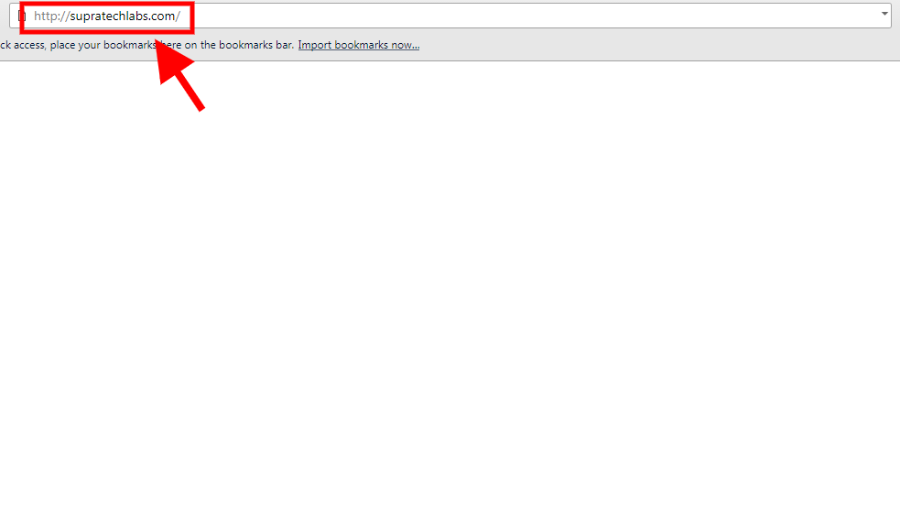
Navigate to http://supratechlabs.com/
2. Click on the Page
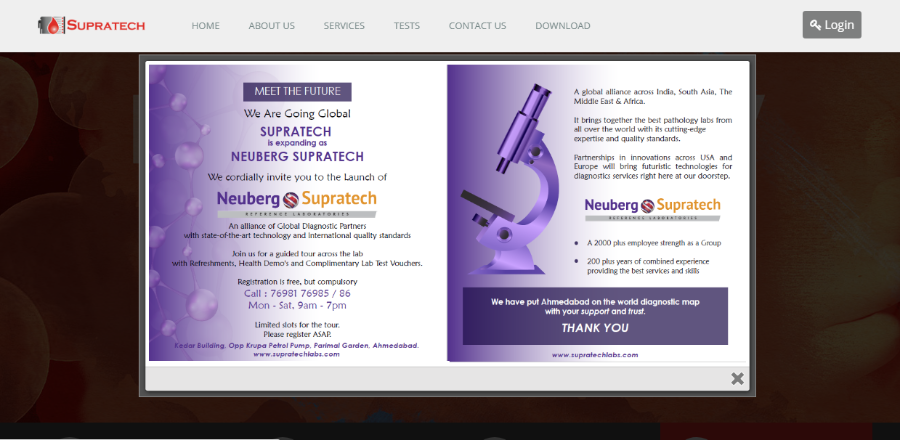
Click anywhere on this Page
3. Click to select Location
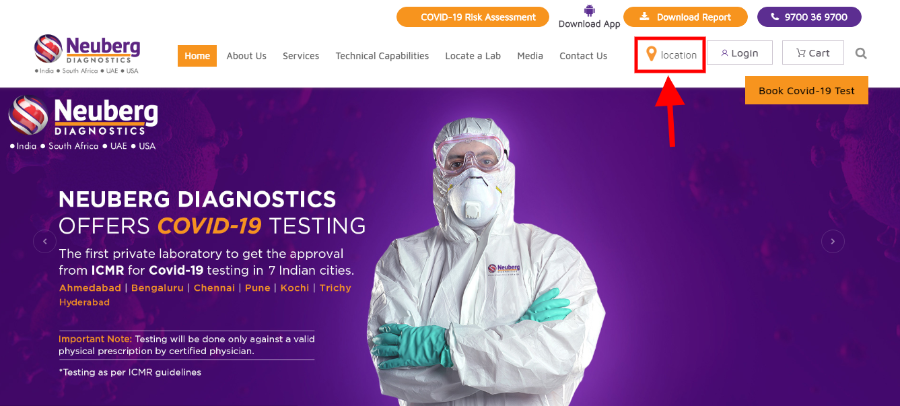
1. Click on the Location Icon
2. Select the Country
3. Select the City
4. Click on Locate a Lab
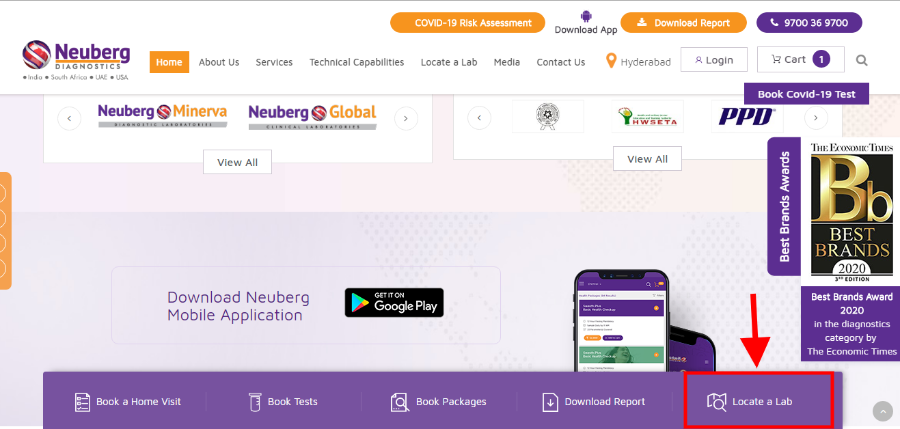
1. Scroll down to view this options
2. Click on the button labelled "Locate a Lab"
5. Click on Plus (+) Icon
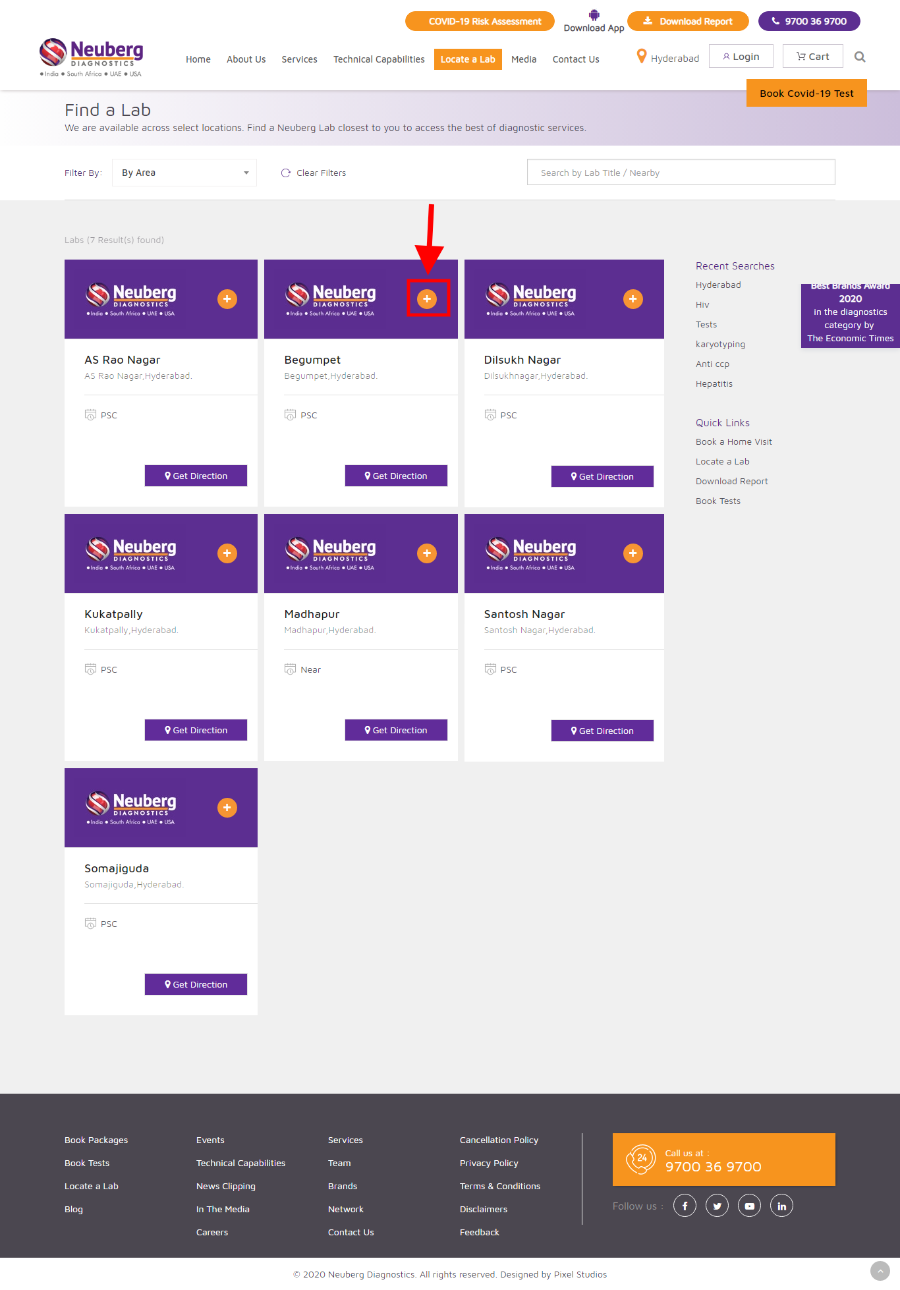
1. Scroll down to view the Center with Area's
2. Click on the button "Plus (+) Icon"
6. Contact the number for Appointment Confirmation
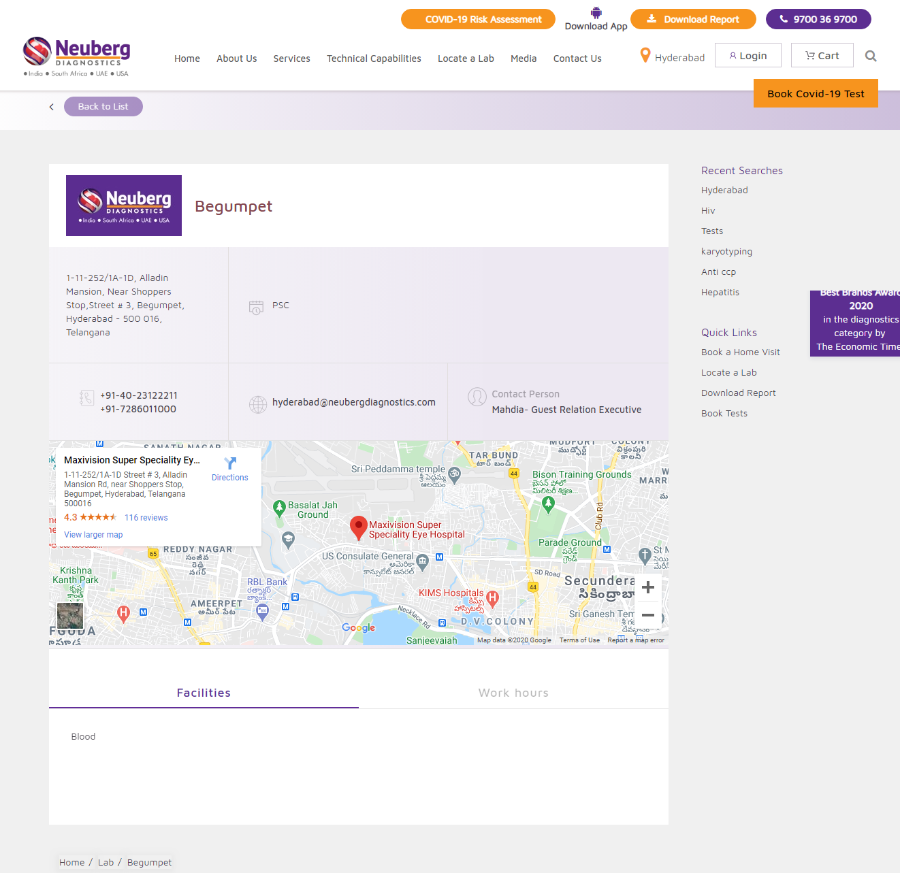
1. Contact the number provided
2. Provide the patient details and test details to the operator to schedule an Appointment